 站長資訊網(wǎng)
Debian系統(tǒng)上如何編譯安裝Nginx?下面本篇文章帶大家詳解下Debian系統(tǒng)上編譯安裝Nginx的方法,希望對大家有所幫助!

Nginx
Nginx是一款輕量級的 HTTP 服務(wù)器,時(shí)常用于服務(wù)端的反向代理和負(fù)載均衡。
手動編譯安裝Nginx比較復(fù)雜,但是平時(shí)一般使用最多。原因:
- 便于管理 編譯安裝的Nginx,其安裝地址可控,如果需要卸載,執(zhí)行反編譯即可。
- 模塊可控 Nginx有其豐富的模塊庫,如:ngx-fancyindex。使用Docker或軟件包管理器安裝的Nginx,模塊有時(shí)不方便載入。
下次給大家分享,怎么安裝模塊~~~
環(huán)境準(zhǔn)備
本次安裝Nginx,是在Debian發(fā)行版本的Linux上安裝,如果是CentOS發(fā)行版本Linux,需要注意:
- 編譯安裝時(shí),需要自行安裝:
gcc、pcre、zlib以及openssl
另外,如果你覺得本文的安裝方法過于技術(shù)型。其實(shí),也可以試試寶塔面板的一鍵操作。
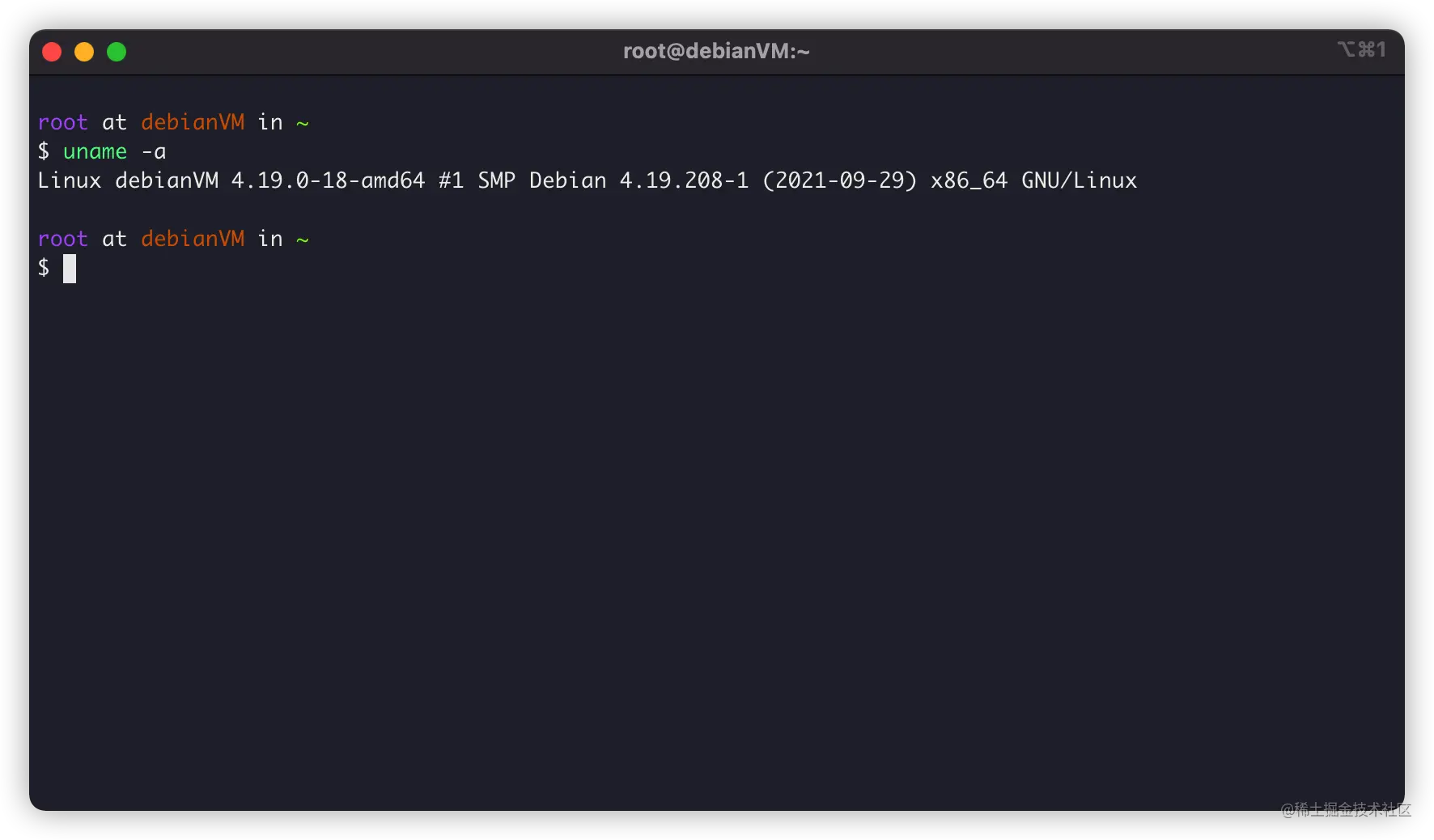
本次教程使用一臺Debian10 x64服務(wù)器:
安裝gcc編譯器
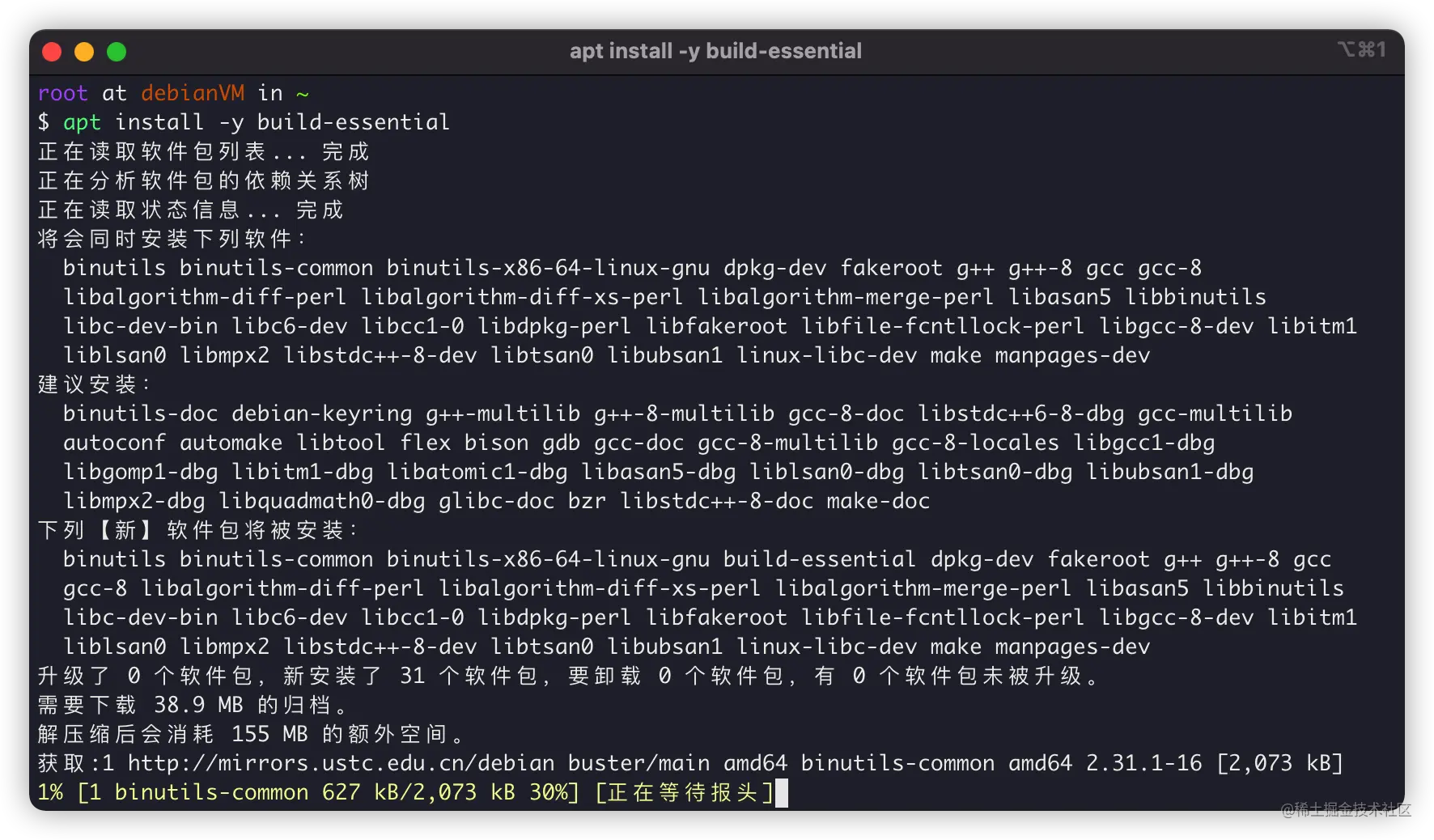
首先,我們需要安裝gcc編譯器用于make編譯,Debian可以通過安裝build-essential來安裝GCC編譯器:
apt install -y build-essential
安裝正則庫
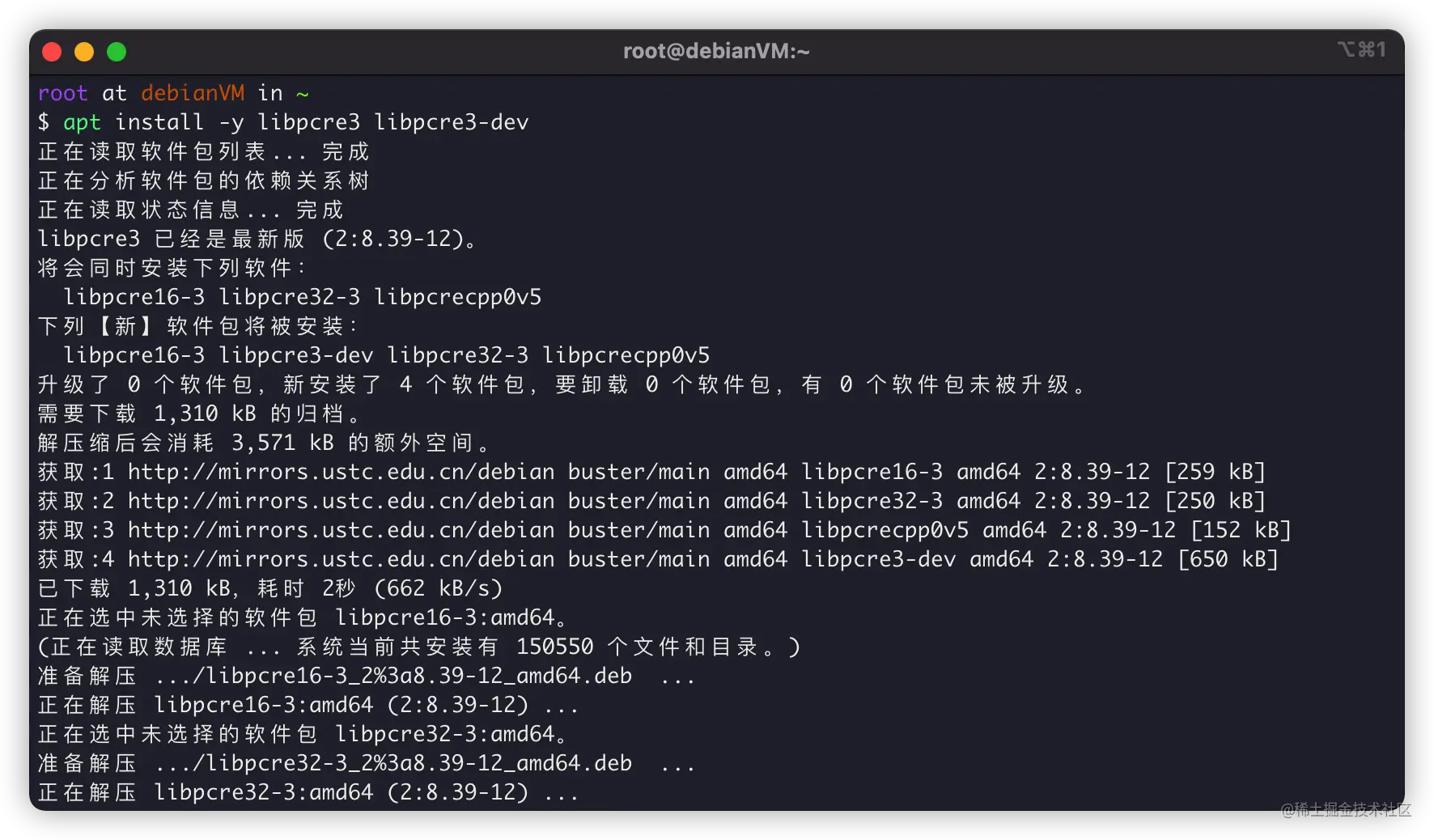
正則庫很關(guān)鍵,我們使用Nginx,在配置文件內(nèi)location進(jìn)行目錄匹配,就需要正則庫。Debian安裝正則庫,可以:
apt install -y libpcre3 libpcre3-dev
安裝zlib庫
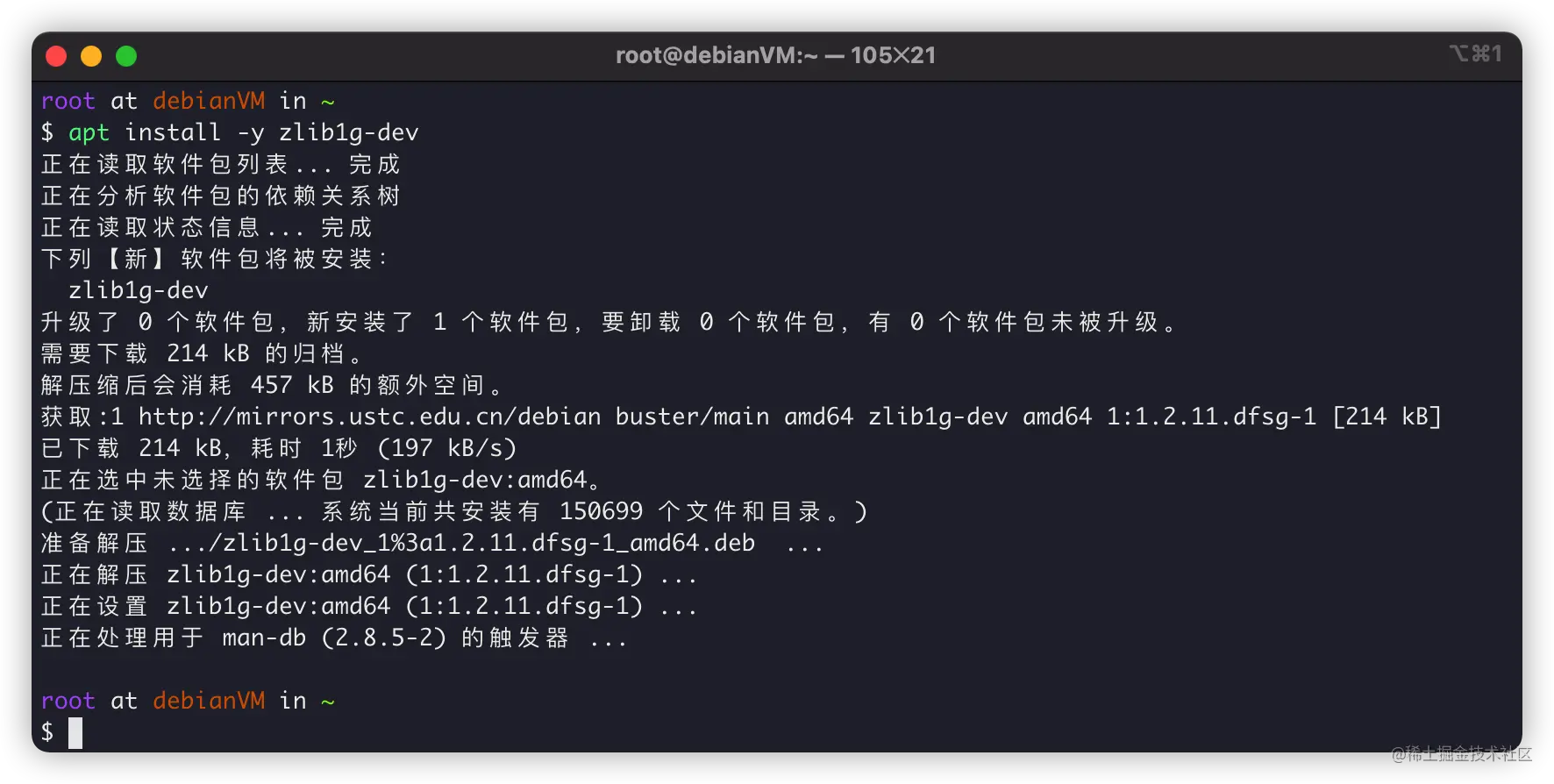
當(dāng)然,Nginx編譯過程和Http相應(yīng)過程還需要gzip格式的壓縮,所以我們還需要安裝zlib庫用于對HTTP包的內(nèi)容做gzip格式的壓縮,可以這樣安裝:
apt install -y zlib1g-dev
安裝OpenSSL庫
最后,現(xiàn)在SSL協(xié)議很重要,Chrome等主流瀏覽器,都開始默認(rèn)相應(yīng)HTTPS了,所以O(shè)penSSL編譯環(huán)境也很重要:
apt install -y openssl libssl-dev
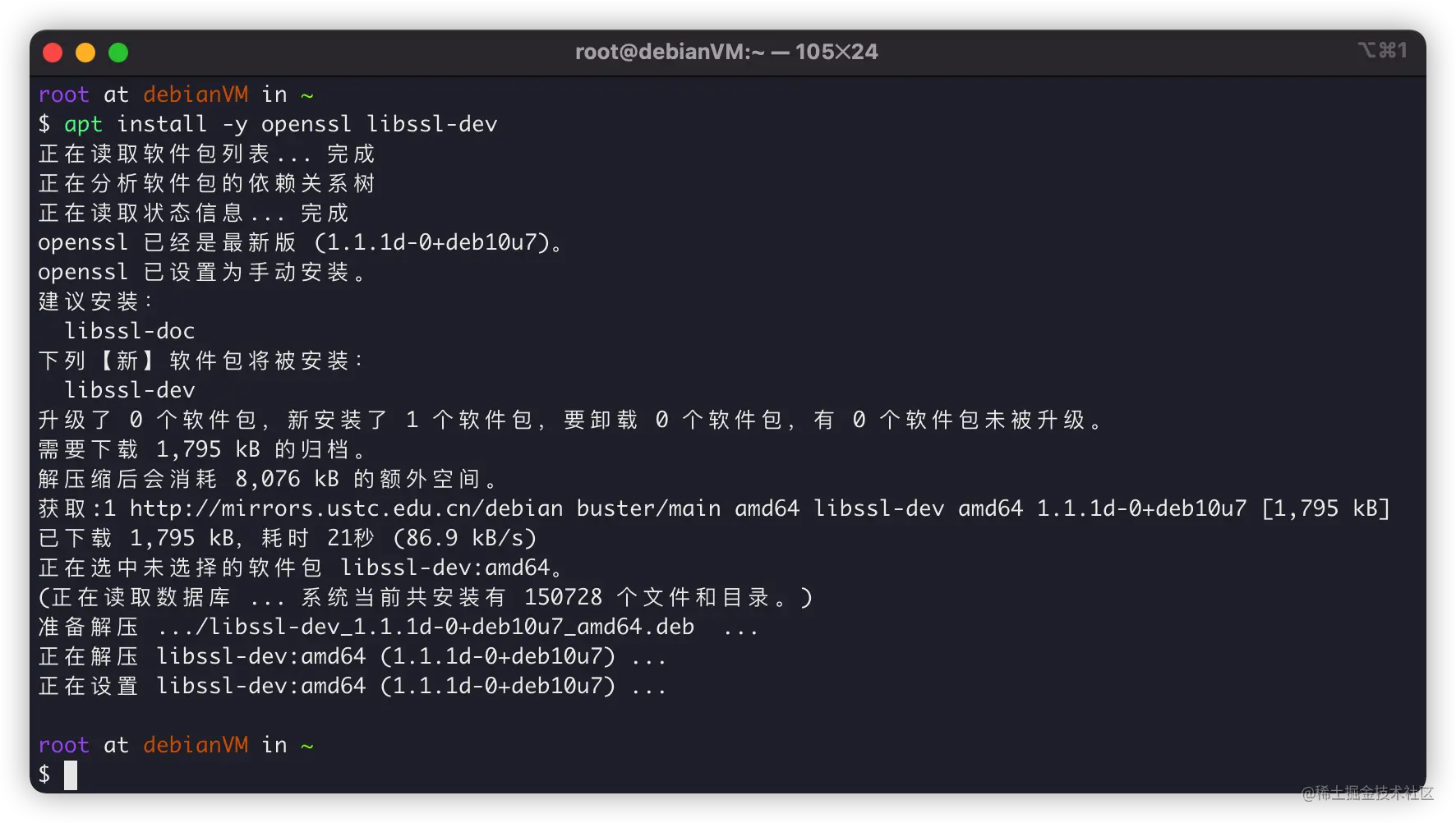
依賴都安裝完成,就可以下載源碼來編譯了。
下載Nginx源碼
接下來,我們下載Nginx源碼,我們進(jìn)入Nginx官網(wǎng):http://nginx.org/en/download.html
下載最新的stable穩(wěn)定版本:
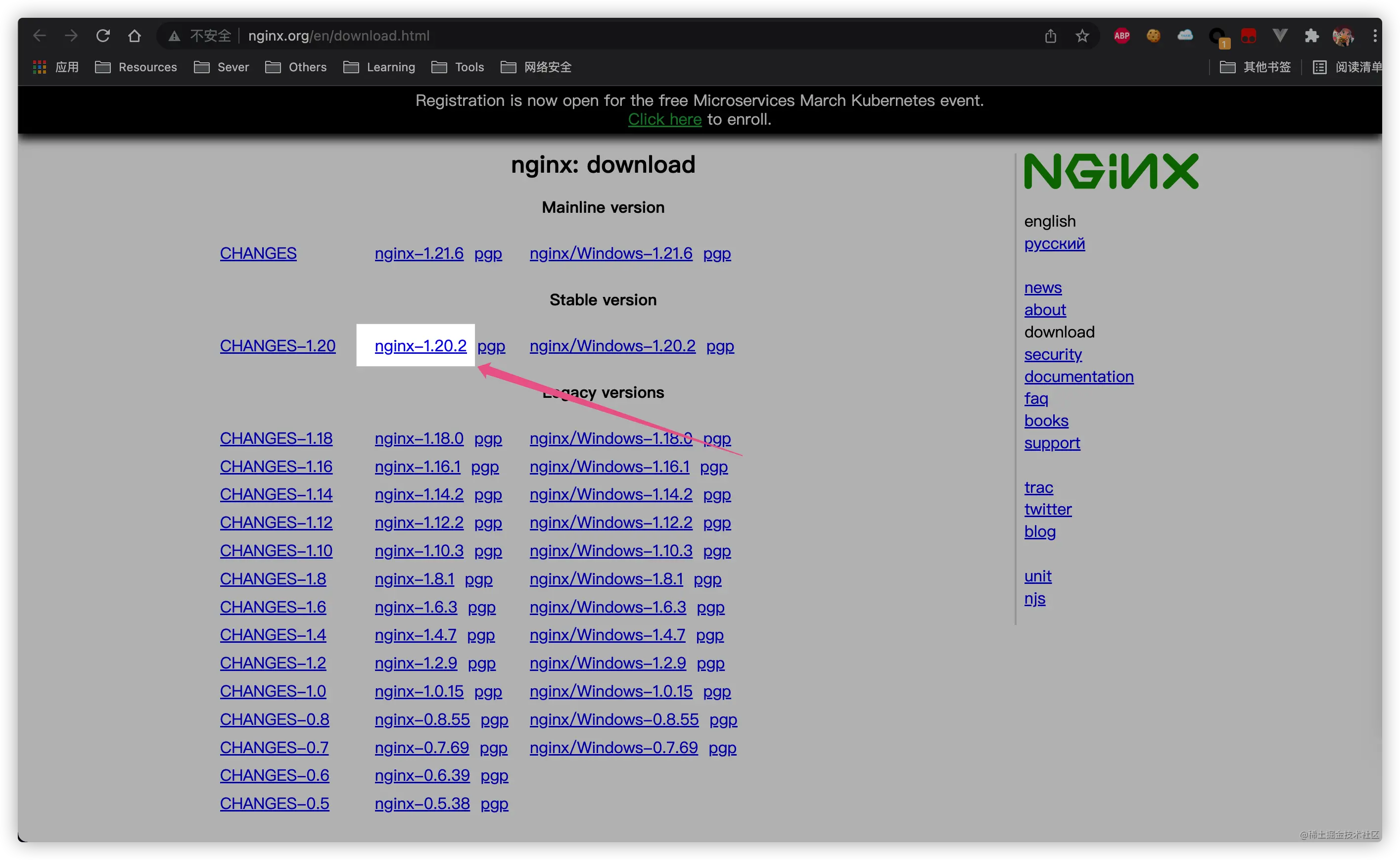
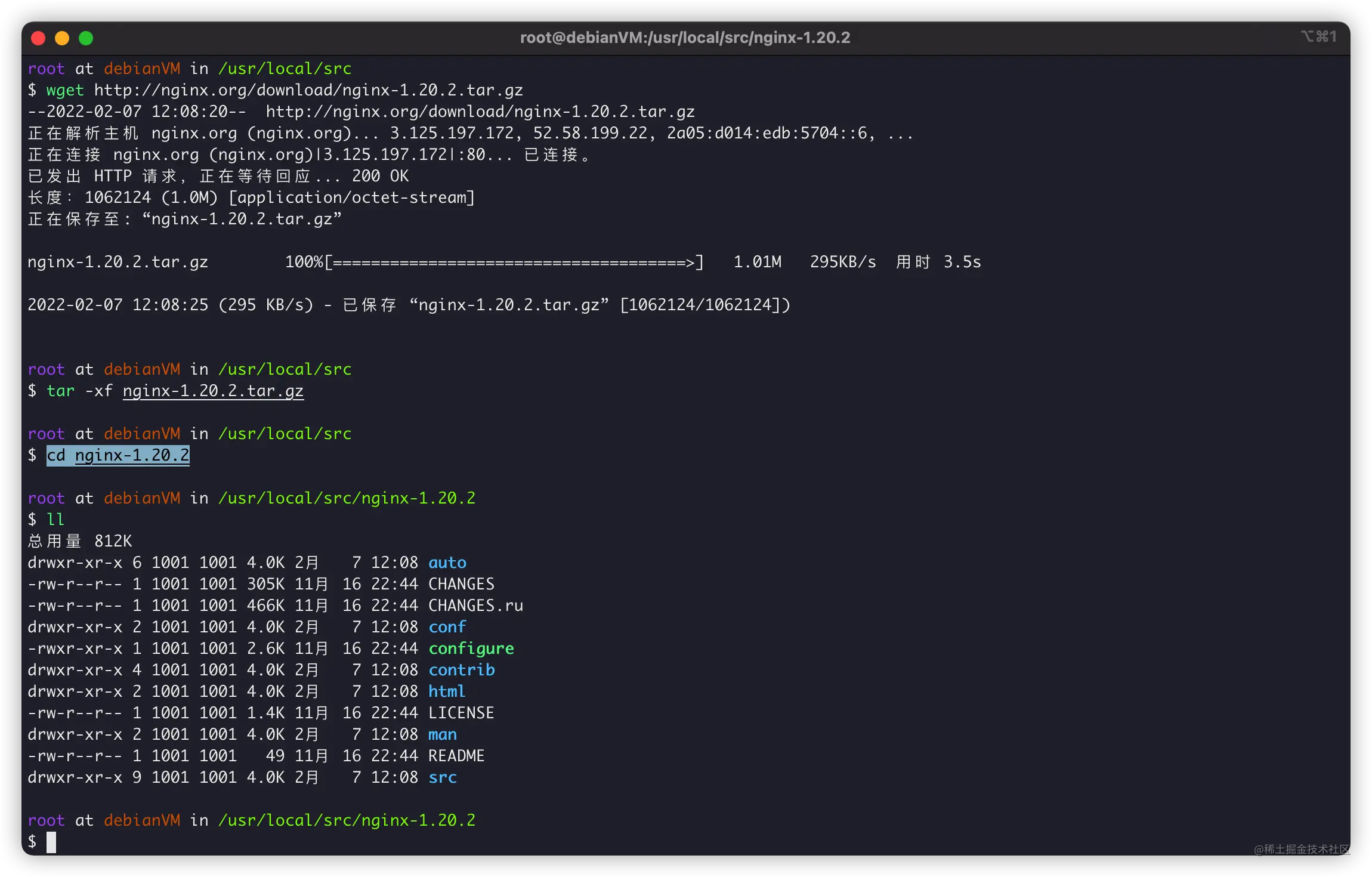
在Debian上使用wget下載:
# 下載源碼 wget http://nginx.org/download/nginx-1.20.2.tar.gz # 解壓源碼 tar -xf nginx-1.20.2.tar.gz # 進(jìn)入源代碼內(nèi) cd cd nginx-1.20.2
配置和編譯
接下來就是make環(huán)節(jié)了,編譯時(shí)候的參數(shù)可以參考官方Nginx文檔:http://nginx.org/en/docs/configure.html
我自己編譯Nginx時(shí)候,選擇的參數(shù)一般是:
./configure --prefix=/usr/local/nginx --user=www --group=www --sbin-path=/usr/local/nginx/sbin/nginx --conf-path=/usr/local/nginx/nginx.conf --error-log-path=/var/log/nginx/error.log --http-log-path=/var/log/nginx/access.log --pid-path=/var/run/nginx.pid --lock-path=/var/run/nginx.lock --http-client-body-temp-path=/var/cache/nginx/client_temp --http-proxy-temp-path=/var/cache/nginx/proxy_temp --http-fastcgi-temp-path=/var/cache/nginx/fastcgi_temp --http-uwsgi-temp-path=/var/cache/nginx/uwsgi_temp --http-scgi-temp-path=/var/cache/nginx/scgi_temp --with-file-aio --with-threads --with-http_addition_module --with-http_auth_request_module --with-http_dav_module --with-http_flv_module --with-http_gunzip_module --with-http_gzip_static_module --with-http_mp4_module --with-http_random_index_module --with-http_realip_module --with-http_secure_link_module --with-http_slice_module --with-http_ssl_module --with-http_stub_status_module --with-http_sub_module --with-http_v2_module --with-mail --with-mail_ssl_module --with-stream --with-stream_realip_module --with-stream_ssl_module --with-stream_ssl_preread_module
其中:
--prefix:Nginx主要安裝路徑,后續(xù)Nginx子目錄依照這個(gè)變量展開--user:設(shè)置Nginx進(jìn)程啟動時(shí),所屬的用戶--group:設(shè)置Nginx進(jìn)程啟動時(shí),所屬的用戶組
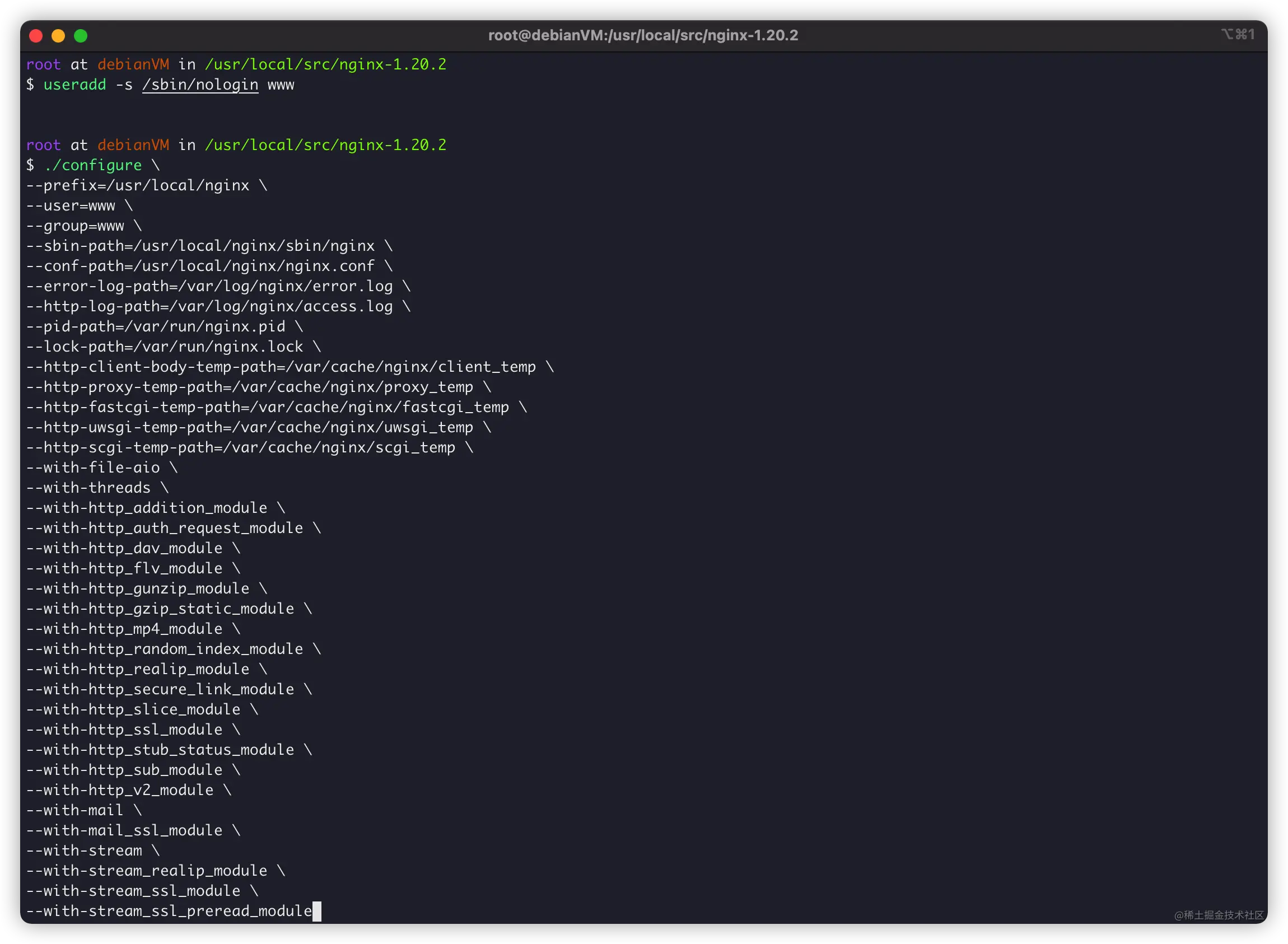
如果沒有問題,會提示信息:
Configuration summary + using threads + using system PCRE library + using system OpenSSL library + using system zlib library nginx path prefix: "/usr/local/nginx" nginx binary file: "/usr/local/nginx/sbin/nginx" nginx modules path: "/usr/local/nginx/modules" nginx configuration prefix: "/usr/local/nginx" nginx configuration file: "/usr/local/nginx/nginx.conf" nginx pid file: "/var/run/nginx.pid" nginx error log file: "/var/log/nginx/error.log" nginx http access log file: "/var/log/nginx/access.log" nginx http client request body temporary files: "/var/cache/nginx/client_temp" nginx http proxy temporary files: "/var/cache/nginx/proxy_temp" nginx http fastcgi temporary files: "/var/cache/nginx/fastcgi_temp" nginx http uwsgi temporary files: "/var/cache/nginx/uwsgi_temp" nginx http scgi temporary files: "/var/cache/nginx/scgi_temp"
沒有報(bào)錯(cuò)信息就可以編譯了:
make
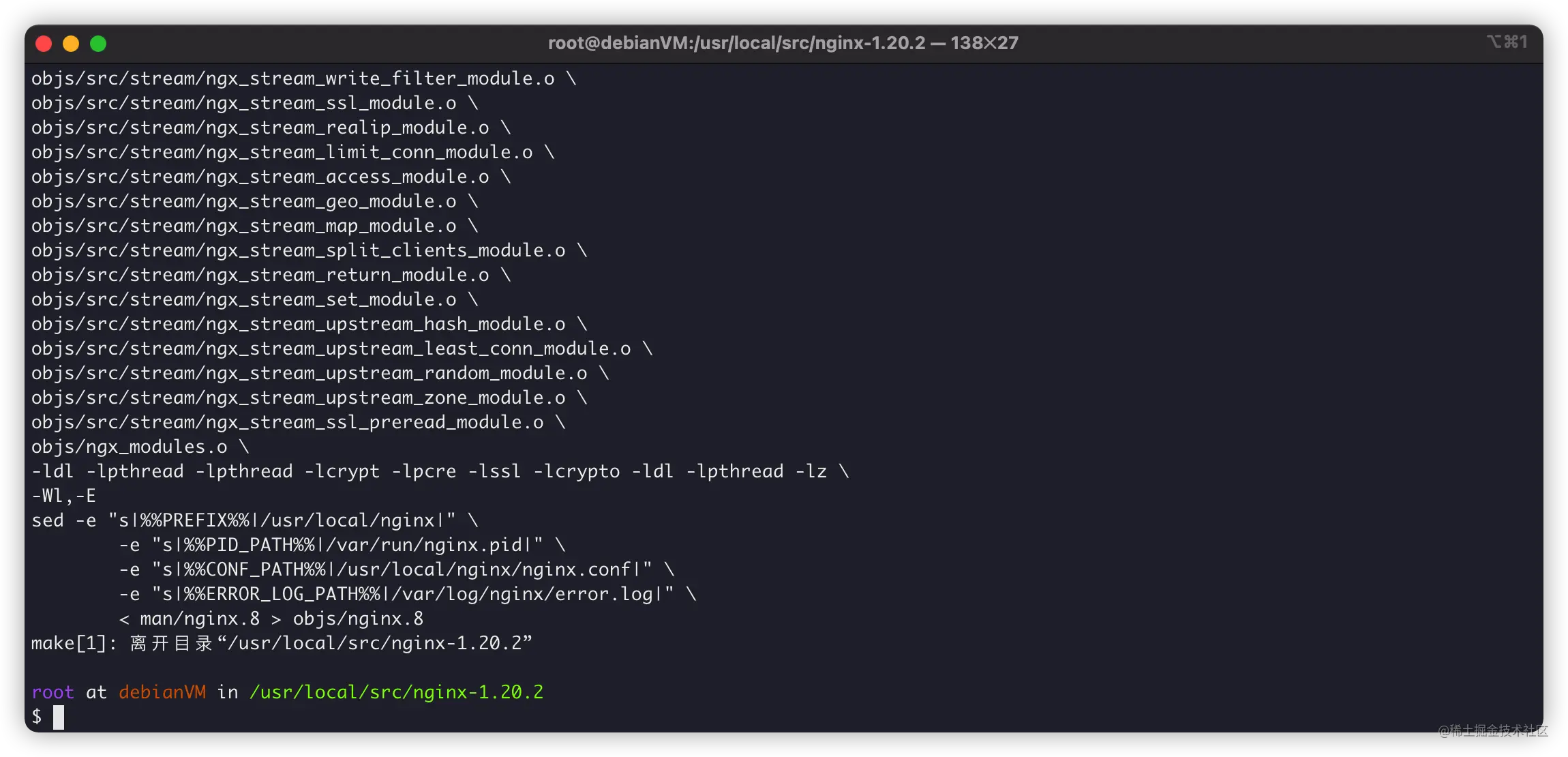
接下來就是安裝了。
安裝
首先是安裝,很簡單:
make install
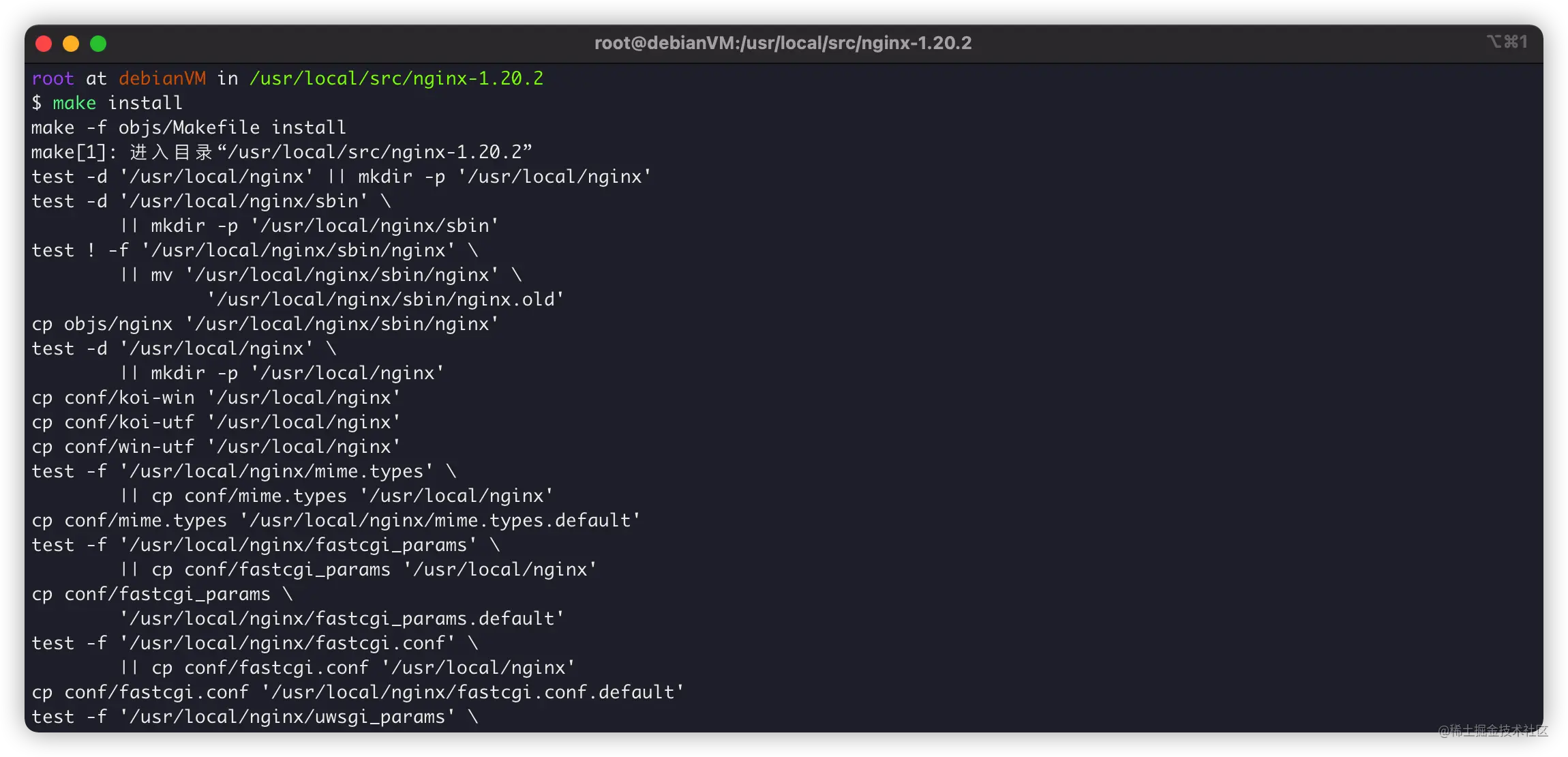
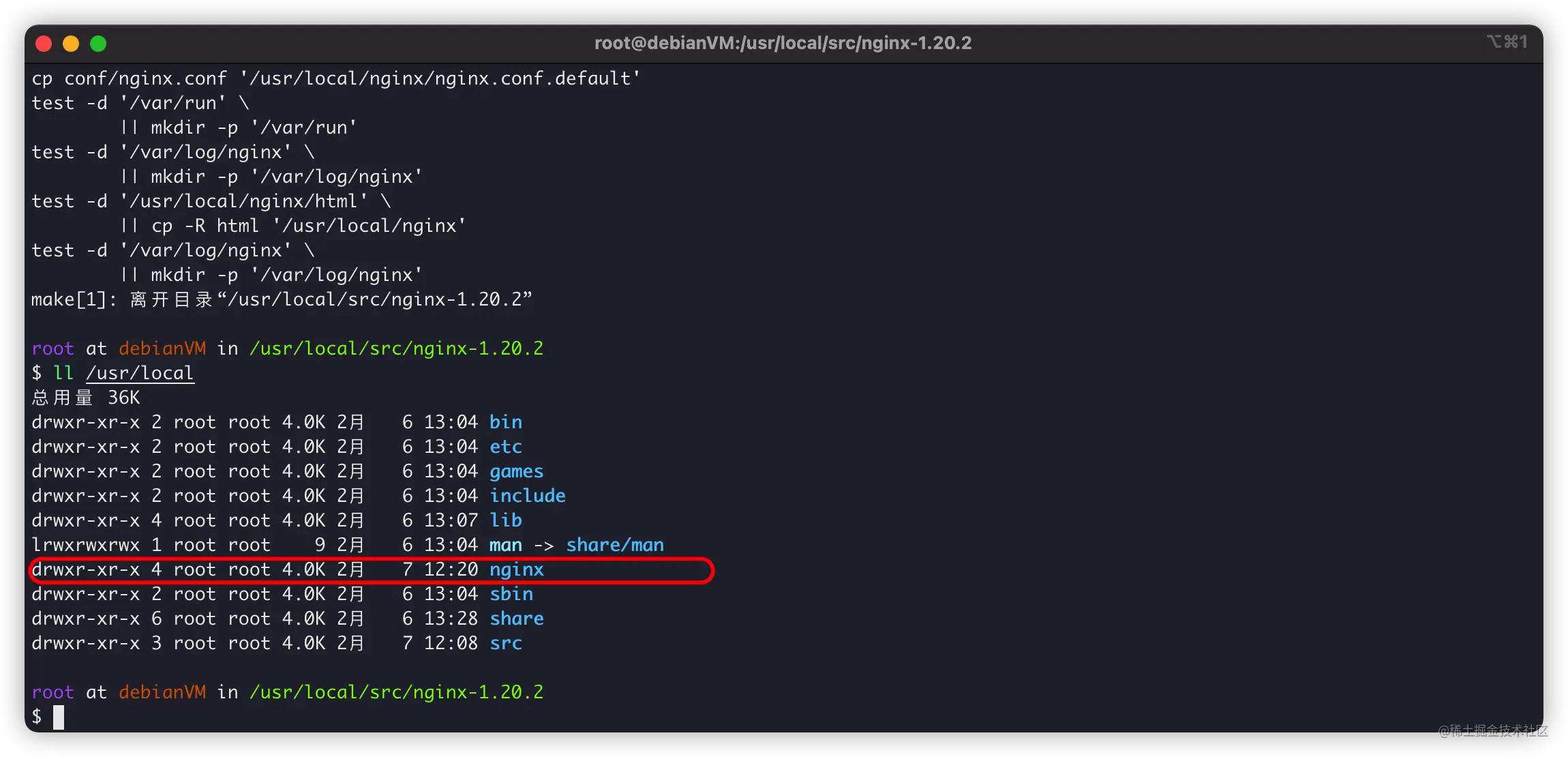
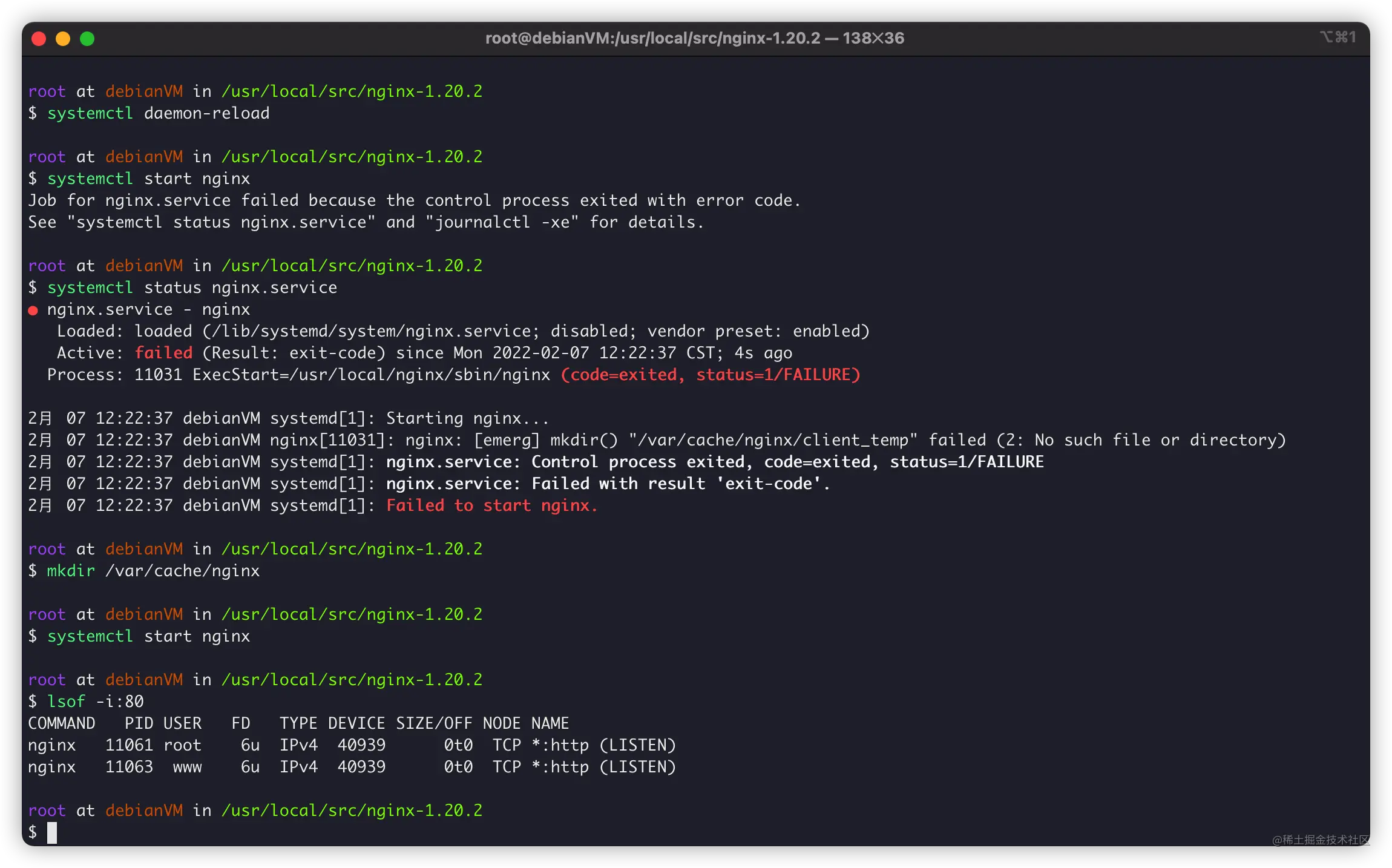
我們再創(chuàng)建systemctl守護(hù),管理Nginx:
vim /usr/lib/systemd/system/nginx.service
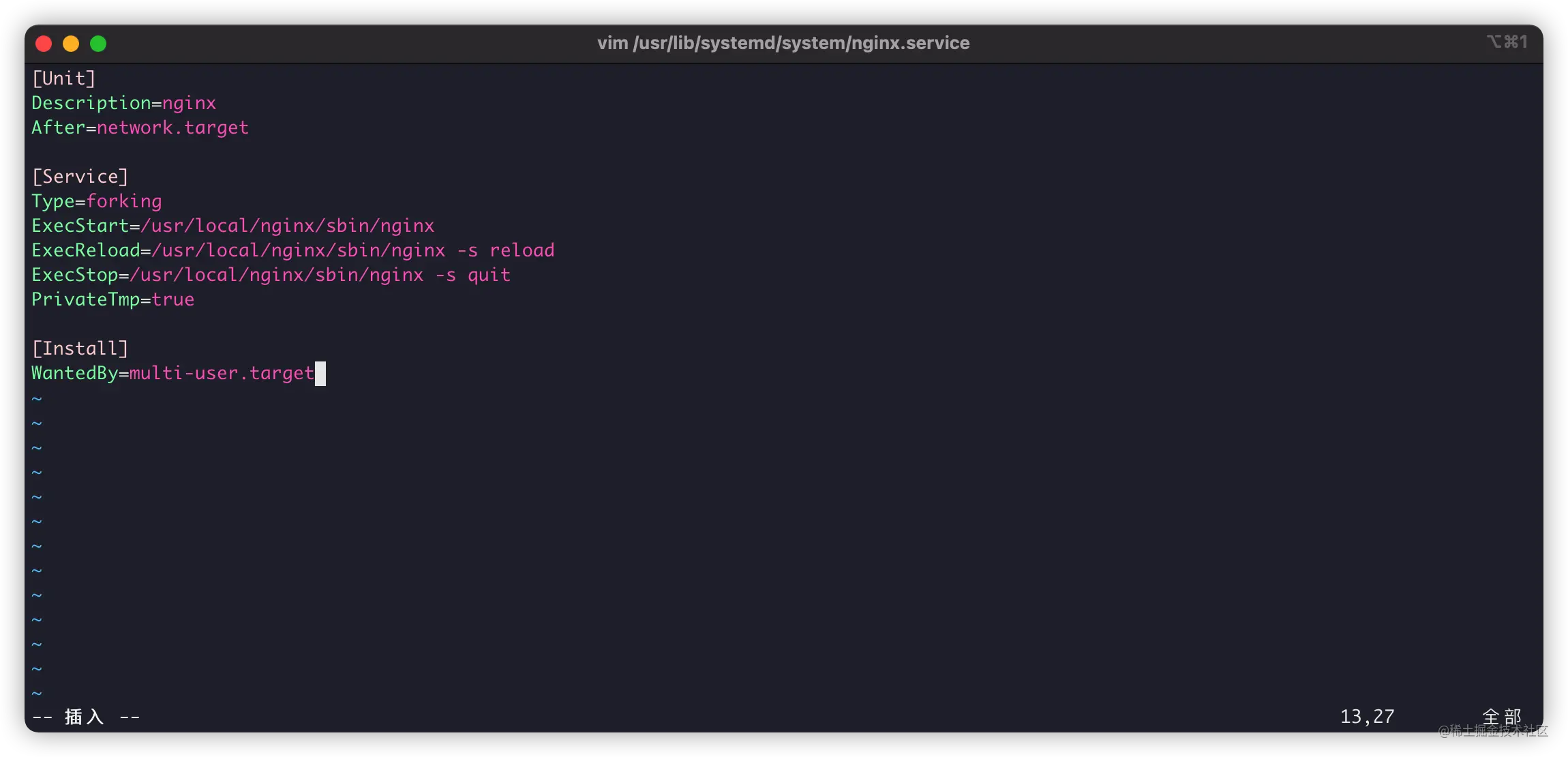
[Unit] Description=nginx After=network.target [Service] Type=forking ExecStart=/usr/local/nginx/sbin/nginx ExecReload=/usr/local/nginx/sbin/nginx -s reload ExecStop=/usr/local/nginx/sbin/nginx -s quit PrivateTmp=true [Install] WantedBy=multi-user.target
具體使用
如果你是按我的方法編譯,那么,需要注意。
/usr/local/nginx:為Nginx編譯安裝的地址。/usr/local/nginx/nginx.conf:Nginx默認(rèn)配置文件。
同時(shí),我們使用systemctl對Nginx進(jìn)行管理:
systemctl start nginx:啟動Nginx服務(wù)。systemctl reload nginx:Nginx配置重載。systemctl stop nginx:停止Nginx服務(wù)。
